Your data stays in your hands
No StrideAI servers, no telemetry. Your browser talks only to Azure DevOps and to the model endpoints your administrator approved. How your data flows →
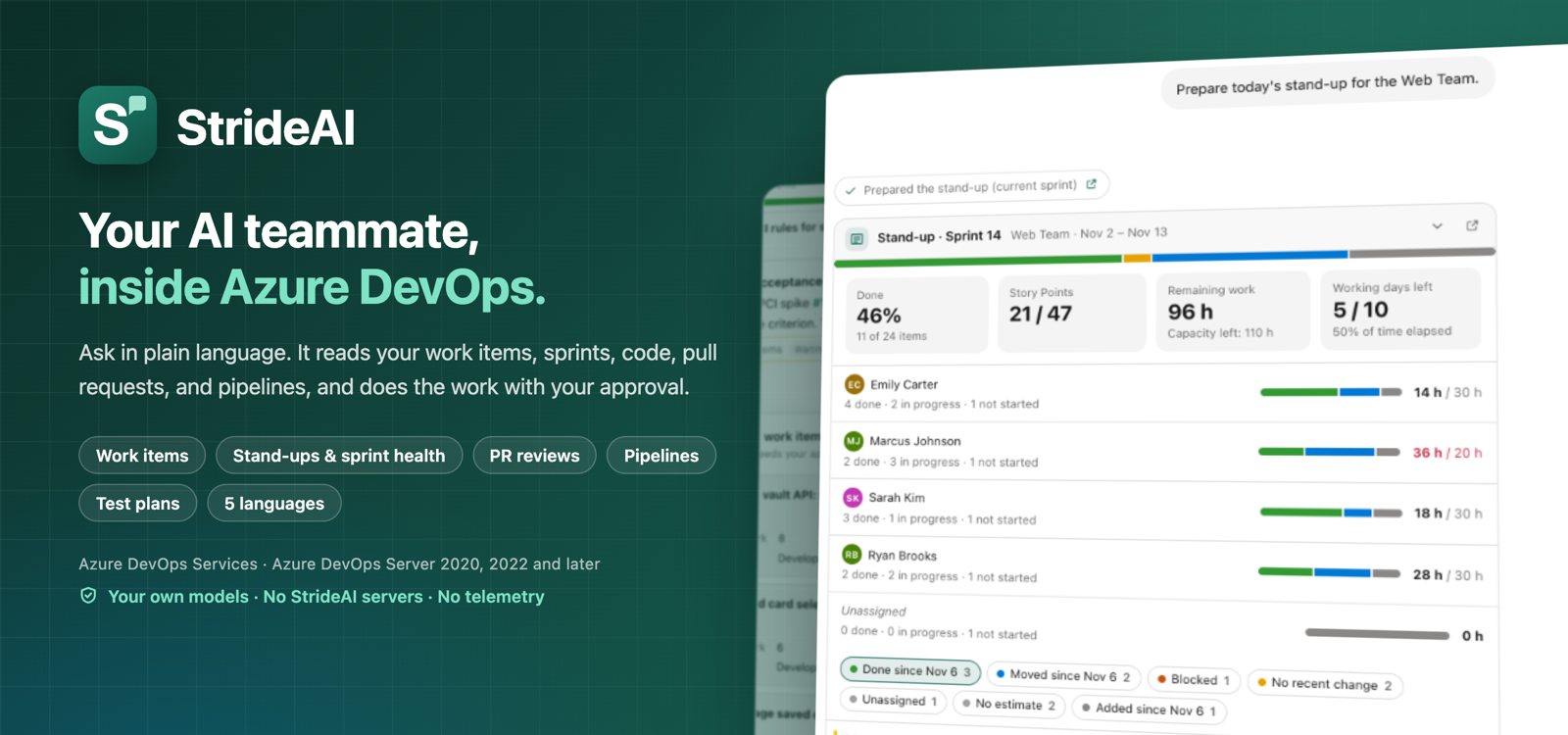
StrideAI is an Azure DevOps extension. It adds a Chat page to the project menu, a StrideAI tab to every work item and pull request, a Quality & roles workspace with visual reports for every role, Boards for pinned charts, dashboard widgets, and five pipeline tasks.
It runs entirely in your browser with your own models (Azure OpenAI, Microsoft Foundry, OpenAI, Anthropic Claude, or any OpenAI-compatible API) under your own Azure DevOps permissions. There is no StrideAI server in between. Teams without a model can buy a plan with StrideAI Models included.
Your data stays in your hands
No StrideAI servers, no telemetry. Your browser talks only to Azure DevOps and to the model endpoints your administrator approved. How your data flows →
Every change needs your approval
Creating items, comments, votes, pipeline runs and deployments show an approval card first, say how risky they are, and can be undone. Safety and approvals →
Built for the whole team
Product owners, Scrum Masters, developers, testers, managers and release train engineers each get visual reports and quick starts for their role. Quality & roles →
Automatic in your pipelines
Pull request reviews, release notes, a test steward, a daily watch and security checks run on your agents with your model. Pipeline tasks →