
Activity log and memory
Activity log
Section titled “Activity log”Settings → Activity lists every change StrideAI made in Azure DevOps after someone approved it: when, who, what, the chat it came from, and links to the items it changed. Changes that only partly succeeded are marked. Filter by month, person or kind of change, search, and download the list as CSV. StrideAI managers see everyone’s changes; everyone else sees their own.
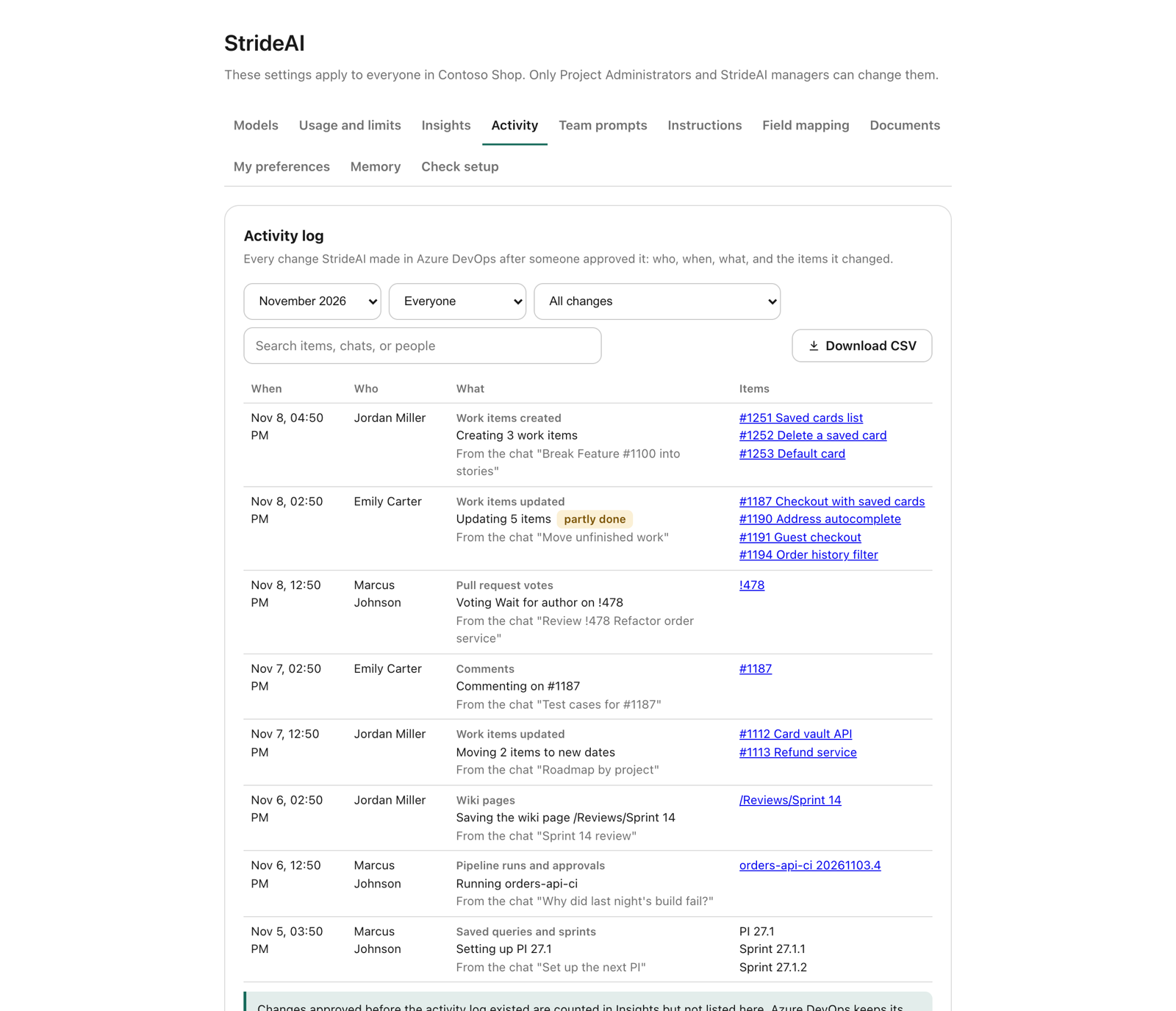
The log is kept in the project’s extension data, one list per person and month. Azure DevOps also keeps its own history of every item, and each link opens it.
Memory
Section titled “Memory”StrideAI keeps a small, self-refreshing cache of your process (types, states, fields), teams, sprints and repositories in your browser, so answers are fast and need fewer lookups. Old entries are removed after 14 days. It also saves short notes about how your team works, such as which repository holds which feature (up to 60 per project). You can see and delete every note under Settings → Memory, and clear the cache any time.
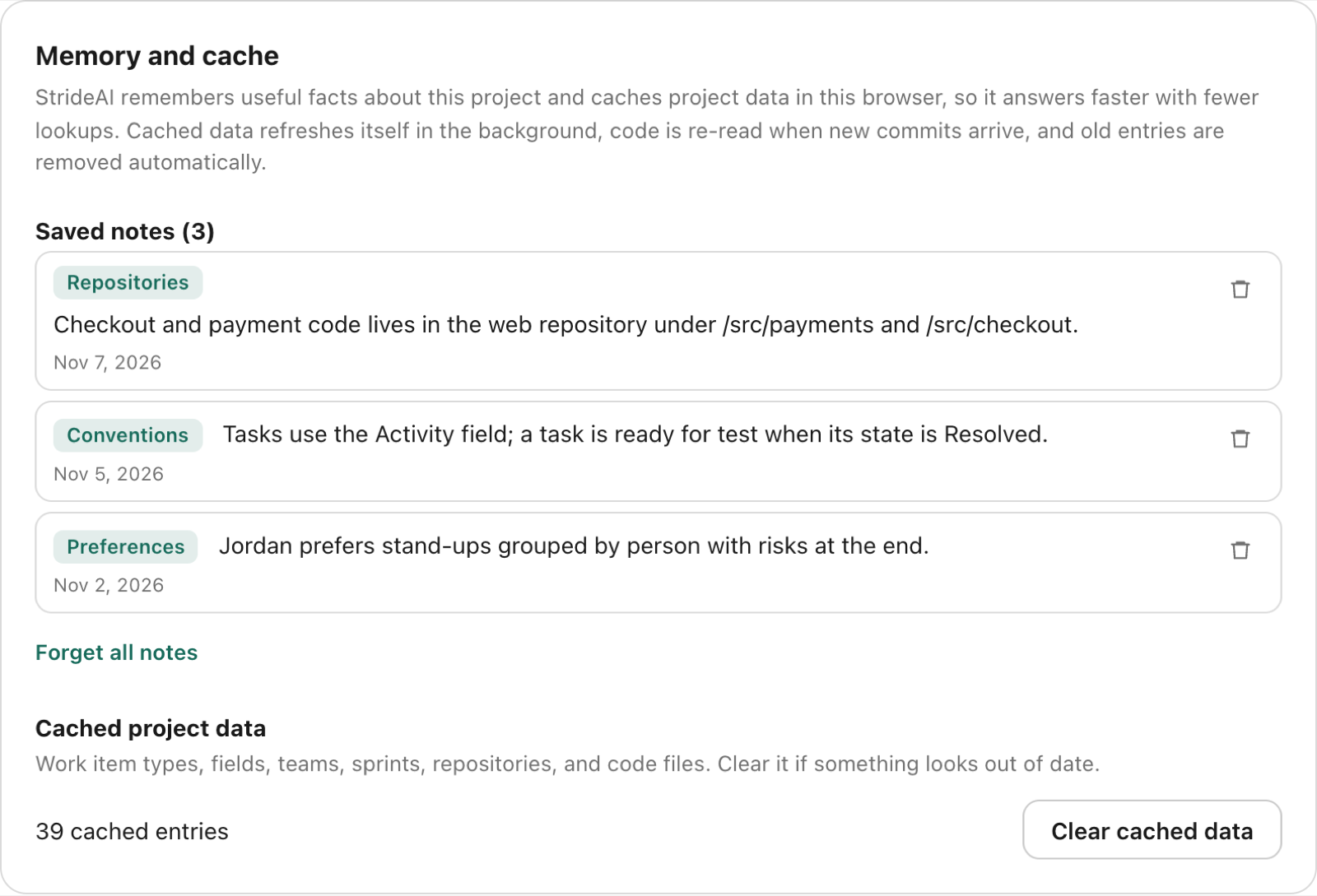
Notes and cache live only in that person’s browser, on that device.